💻 Virtual trivia for remote teams & events
Live virtual trivia for teams, hosted by you.
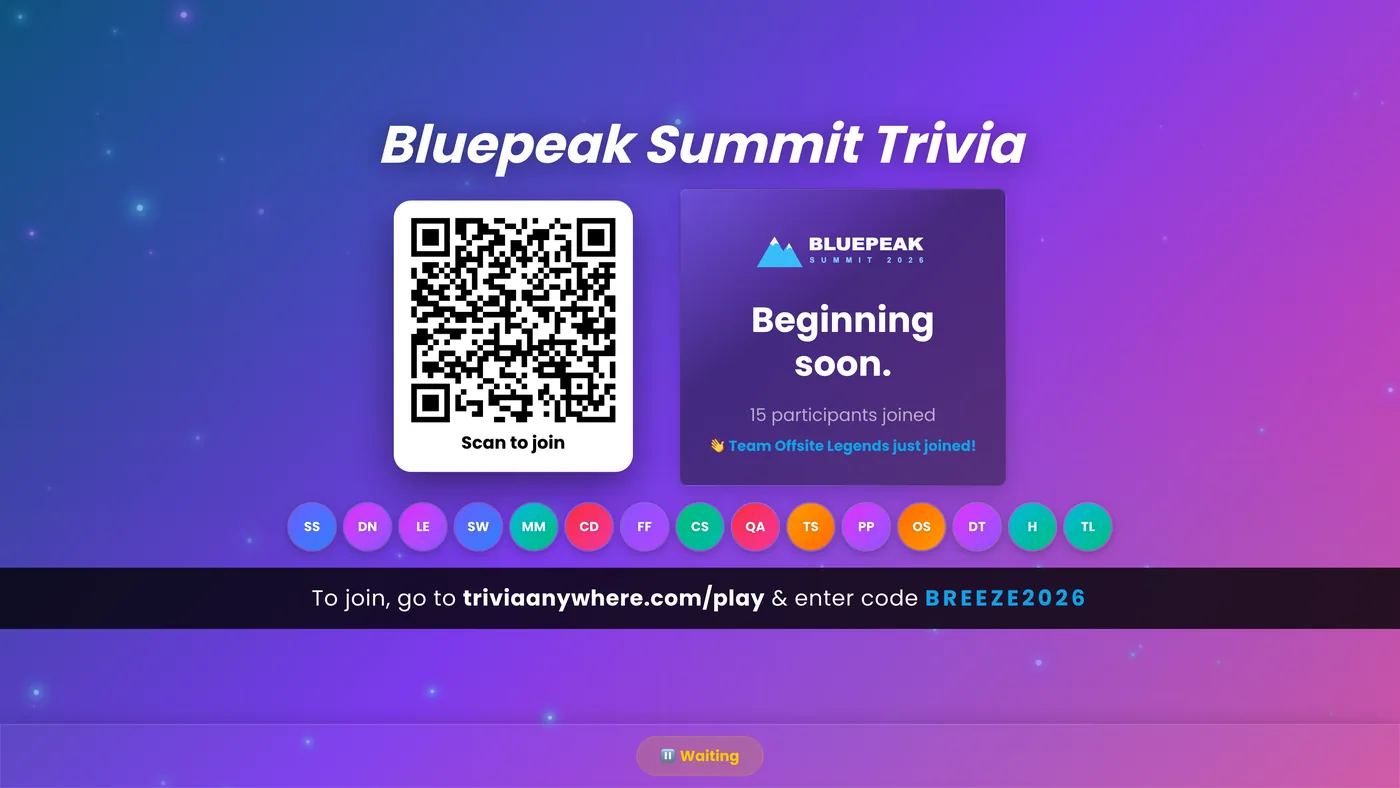
To play virtual trivia with a remote team, open your game's big screen, share it in Zoom, Microsoft Teams or Google Meet, and have everyone answer on their own phone. Timers, scoring and the leaderboard run themselves, there's no app to install, and it's free for up to 25 players with no credit card.
Free for up to 25 players. No app, no credit card.
25
players free, no credit card
No app
phones are the buzzers
Any call
Zoom, Teams or Google Meet
Live
leaderboard after every question
How virtual trivia works on a video call
Set up your game in minutes
Copy a ready-made game, write questions about your own team, or import a spreadsheet. Choose whether people play solo or in teams, and you're ready for the call.

Share your screen, drop the link in the chat
Open the big screen in a browser tab and share it on your call, with your call's share-sound option on so the countdown beeps come through. Paste the join link or code in the chat. People stay on the call and join on their phone or in a second tab: type a name and they're in.
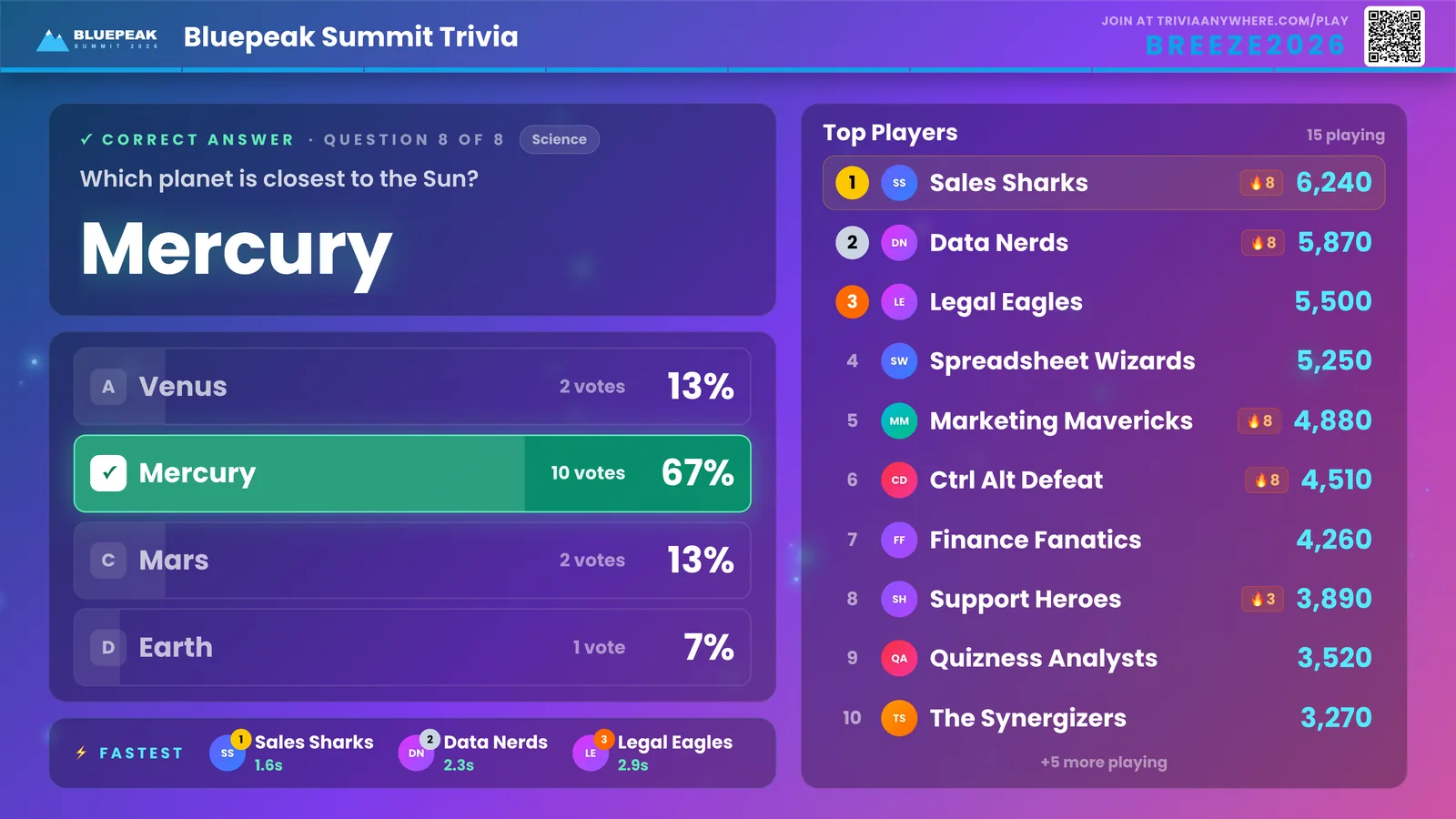
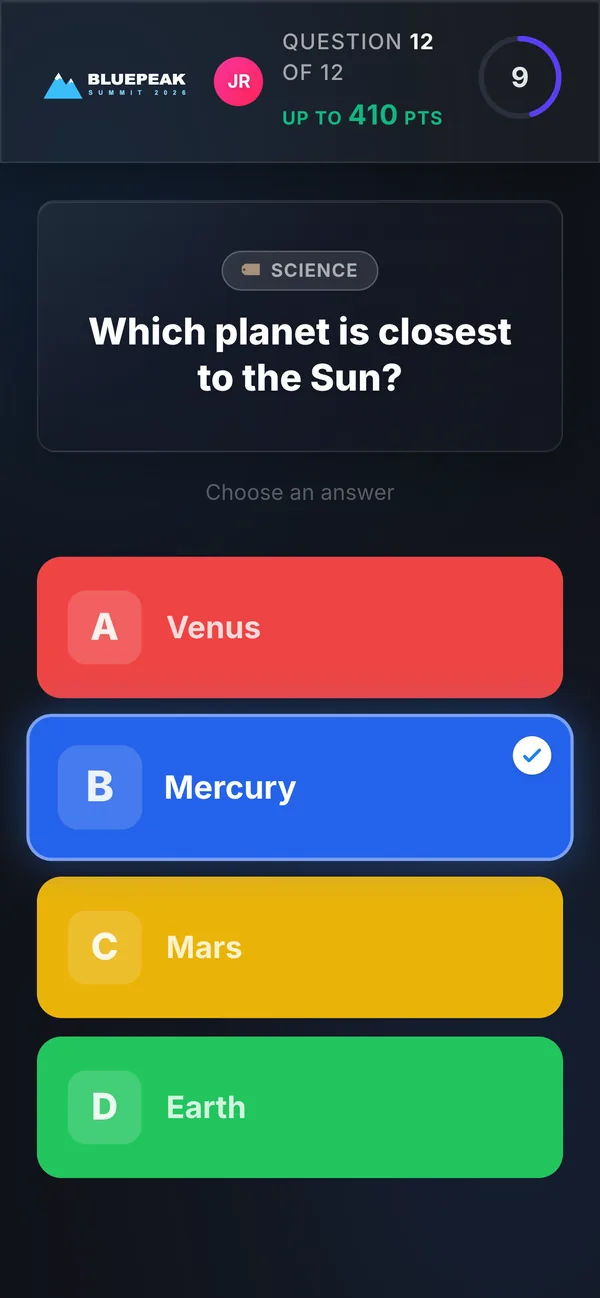
Everyone answers, the scoring runs itself
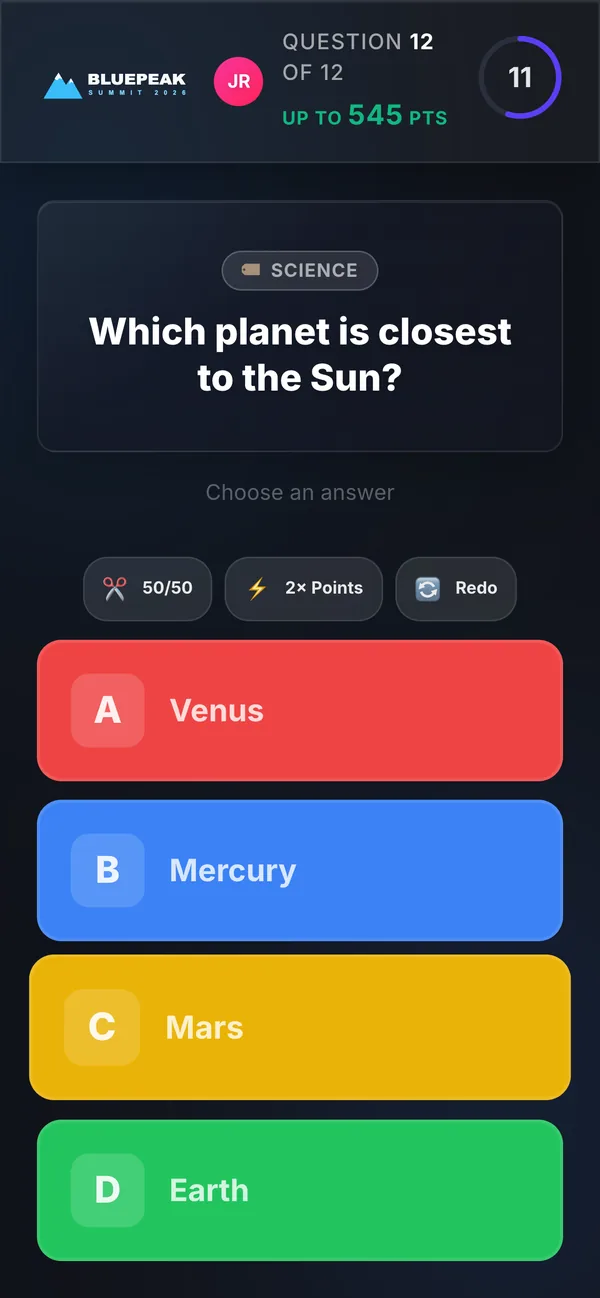
Each question and its answer buttons show up on every player's phone, so nobody has to squint at a laggy screen share. Every answer is scored automatically, faster answers earn more, and the reveal shows how the room voted. That's when everyone unmutes to argue.
Crown the winners on camera
Finish on a podium with confetti and the top of the standings, ready for a screenshot in the team channel and a rematch next week.

Seven ways to play virtual trivia
The 10-minute meeting opener
Five quick questions before the agenda starts. Fully Automatic mode moves through the questions on a timer, so you can play along with everyone else.
Virtual icebreaker ideas →The Friday team league
Same time every week, 15 minutes, and a different teammate brings the questions each week. Short, regular games beat one big annual event for keeping a remote team close.
Virtual trivia formats that work →The remote holiday party
Start from the ready-made Christmas game, add a few questions about your own team, and play in teams by department. Starter adds the festive Holiday Village big-screen scene.
Christmas trivia game →The virtual all-hands or town hall
Open with a live poll, collect questions with moderated Q&A, then close on a five-question trivia game about what was just announced. People actually listen when there are points on it.
Moderated Q&A →The webinar or virtual conference break
Put the join QR code on your break slide and run a 10-minute game, then announce the winner when the session restarts. It gives attendees a reason to stay through the break.
Trivia for events →New-hire onboarding
Check what new hires took in from the handbook and the company story with Quiz mode, which holds the answers until the end, then play a who's-who trivia game with team photos. Names stick a lot faster with a leaderboard involved.
Draft it with AI →The time-zone-friendly self-paced round
Crowd Controlled mode opens the game for a window you schedule, and each person plays at their own pace whenever it suits them. The leaderboard fills in as people play, so you can crown the winner at the next team call.
How self-paced trivia works →VIRTUAL BINGO
Not a trivia crowd? Play virtual bingo.
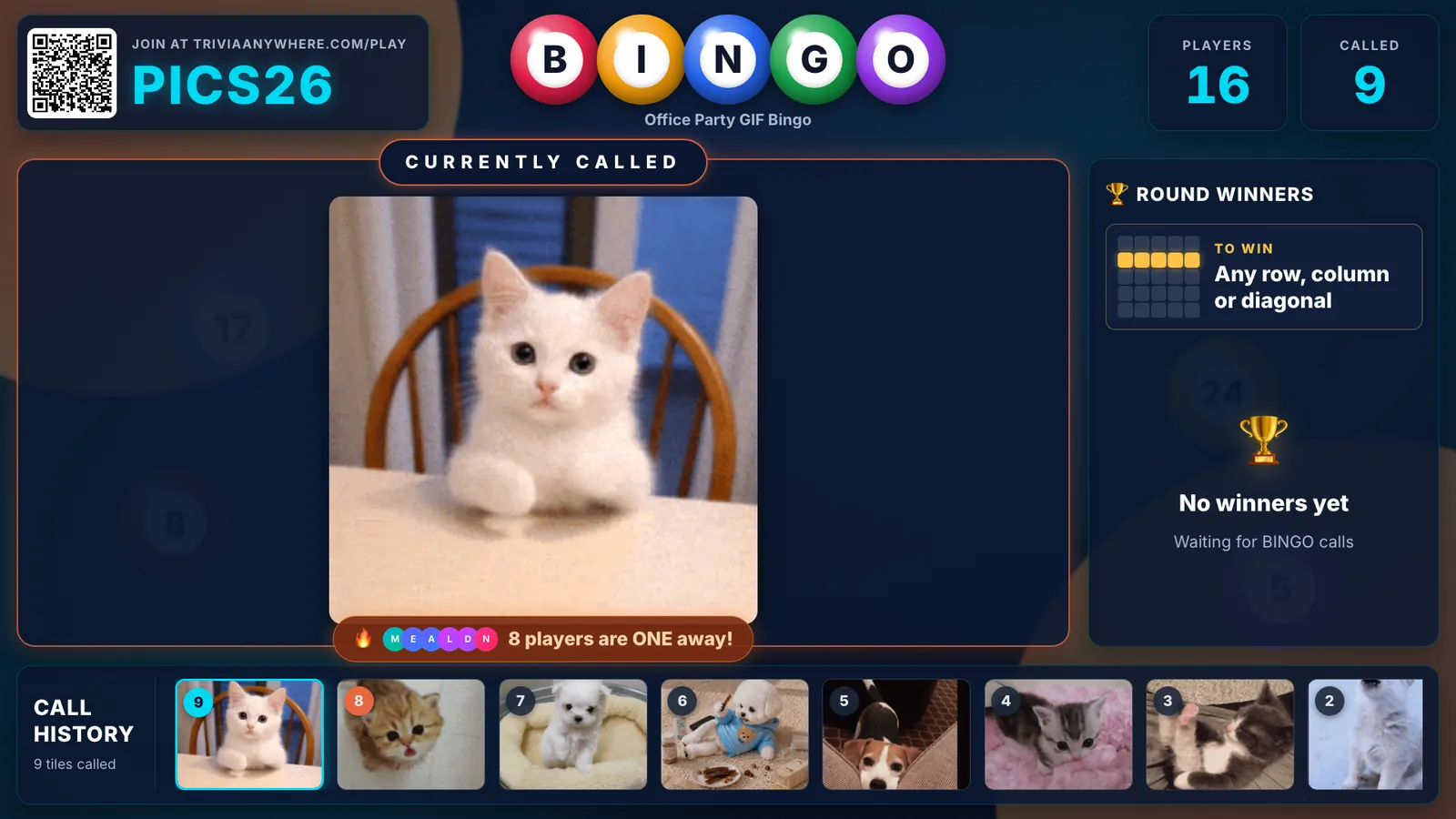
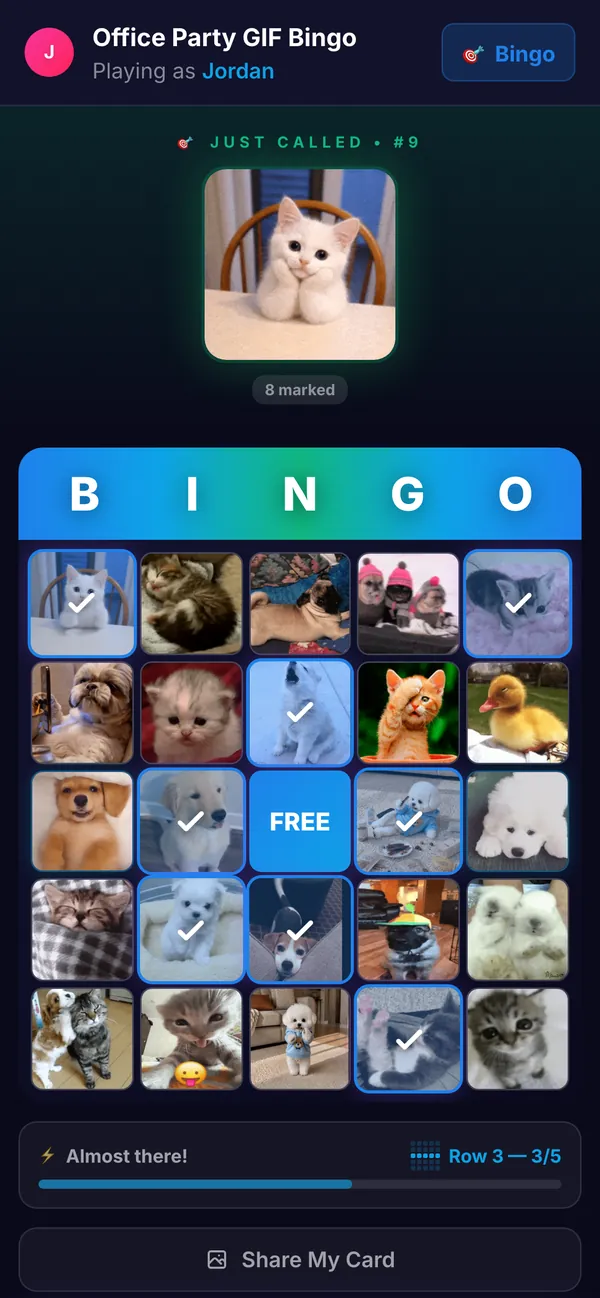
Bingo needs no trivia knowledge, so it's the game anyone can win. Share the bingo big screen on your call and every player gets their own card on their phone. The latest call shows on every phone too, and every BINGO is checked automatically, so nobody reads numbers back over a choppy connection. It makes a great break from trivia.
- GIF, word or classic 75-number cards, from office in-jokes to holiday GIFs
- Speed Bingo makes it a race for points, so the whole call stays in it until the end
- Auto-call every 10, 15 or 30 seconds, so you're free to chat with the call while the game runs
- No cards to print or email out: each player's card is on their phone
Hire a virtual trivia host, or host it yourself?
Most virtual trivia companies sell a hosted event, where a professional emcee runs the game for you. That's great for some occasions. For the weekly team call, the team social or a holiday party you're planning this week, hosting it yourself is quicker than booking, and the game takes care of the hard parts.
| Host it yourself | Hire a virtual host | |
|---|---|---|
| Who runs the game | You or a teammate, from a laptop. Timers, scoring and the leaderboard run themselves. | A professional emcee runs it for you, start to finish. |
| When you can play | Today. Copy a ready-made game or write your own in minutes. | Typically booked in advance for a set date and time. |
| What it costs | Free for up to 25 players, no credit card. Flat monthly plans for bigger groups. | Typically priced per event. |
| The questions | Yours: company in-jokes, product launches, team photos, or a ready-made game. | Usually the host's own rounds; how much you can customize varies. |
| How often | As often as you like, from a 10-minute meeting opener to a weekly league. | Usually saved for a one-off or special occasion. |
| The feel | Your team's own jokes, with someone who knows the room reading the questions. | A polished performer's energy and banter. |
Free for up to 25 players. No app, no credit card.
Hiring a host is the better fit when nobody on the team wants to stand at the front, for a big milestone celebration where a professional performer is part of the treat, or when you'd rather hand off the whole event, prep included. For everything in between, host it yourself.
Everything a virtual trivia host needs
Set up your game in minutes, then enjoy the call with everyone else.
No app, no accounts
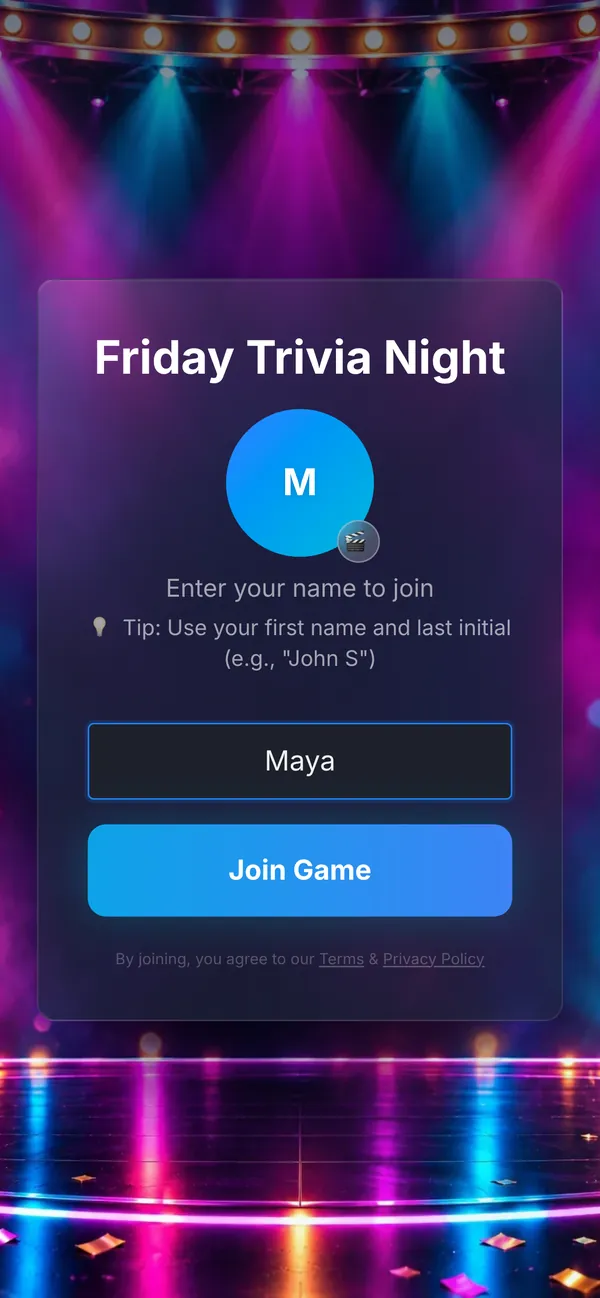
Players join at triviaanywhere.com/play with a short code, a QR code or the link in the chat. They type a name and play, with nothing to install and no app for IT to approve.
Every question on every phone
The question and answer buttons appear on each player's phone, so a laggy screen share doesn't cost anyone a question. The shared screen carries the reveals and the drama.
Scoring that runs itself
Every answer is scored automatically, faster answers earn more, and the leaderboard updates after every question. You just read the room.
Team mode with team colors
Name teams by department or mix them up. Each team gets its own color, everyone plays on their own phone, and team scores are averaged so a team of three can beat a team of eight.
Buzzer mode
Read a question aloud and the fastest thumb buzzes in. A wrong answer passes to the next buzz for the steal: game-show drama that works over video.
Power-ups
Turn on up to three, like 50/50, 2× Points and Freeze, and each player picks the right moment to use theirs.
Ready-made games
General knowledge, movies, decades and holiday games for Christmas, Thanksgiving, Halloween and New Year's Eve. Copy one and add a few questions about your team.
Bring your own questions
Write them in the editor with photos and GIFs, import a spreadsheet, or draft a whole game with our free AI prompt.
Virtual trivia questions
How do you play trivia on Zoom?
Open your Trivia Anywhere game's big screen in a browser tab, share that tab in Zoom with Share sound on, and paste the join link or code in the chat. Players stay on the call and answer on their phone or in a second browser tab. Timers, scoring and the leaderboard run themselves, so you can focus on hosting.
Is there a free virtual trivia game for teams?
Yes. Trivia Anywhere is free for up to 25 players per game, with no credit card. That includes a big screen to share on your call, phones as buzzers, automatic scoring, a live leaderboard, team mode, buzzer mode and bingo.
How many people can play virtual trivia?
Up to 25 players per game on the free plan. For bigger calls, Starter fits 50 players ($20/month), Pro fits 200 ($45/month) and Business fits 500 ($89/month). Each is one flat monthly price with no per-player fees, and you can cancel anytime.
Do players need an app or an account?
No. Players use the browser on any phone, tablet or laptop. They go to triviaanywhere.com/play and type the code, scan the QR code or click the link in the chat, then enter a name. There's nothing to download and no account to create.
Can I play virtual trivia on Microsoft Teams?
Yes. Share the big-screen browser tab or window in your Teams meeting, turn on the option to include sound, and paste the join link in the meeting chat. Everyone answers on their own phone or in a second tab. It works the same way in Google Meet or any video call that can share a screen.
How long should virtual trivia be?
For a team social, 20 to 30 minutes is the sweet spot: about 15 to 20 questions. A meeting opener needs only five questions and about 10 minutes. Save the full hour for a holiday party, and break it up with a game of bingo, because energy drops faster on screens than in a room.
Can remote and in-office people play together?
Yes. Put the big screen on the meeting-room TV and share the same screen on the call. Everyone joins with the same code on their own phone, so the office and remote players compete on one leaderboard. Team mode lets you mix office and remote people on every team.
Should we hire a virtual trivia host or do it ourselves?
Hire a host for a big one-off when nobody on the team wants to run it and a professional performer is part of the treat. For team socials, regular games and last-minute events, hosting it yourself is quicker and free for up to 25 players: the game handles timers, scoring and the leaderboard, so the host just reads the questions and enjoys the banter.
Can people in different time zones play?
Yes. Crowd Controlled mode opens your game for a window you schedule, and each person plays at their own pace whenever it suits them. The leaderboard fills in as people play, so you can announce the winners at your next team call.
Can we write our own questions about the company?
Yes. Every question is yours, so you can include company history, product launches, inside jokes or team photos, and add images and GIFs to any question. You can also import a spreadsheet, draft a game with our free AI prompt, or start from a ready-made game and add questions of your own.
Put a game show in your next team call
Copy a ready-made game or write your own, share your screen, and let the scoring run itself. Free for up to 25 players, with no credit card and nothing to install.
Create your team game free